About
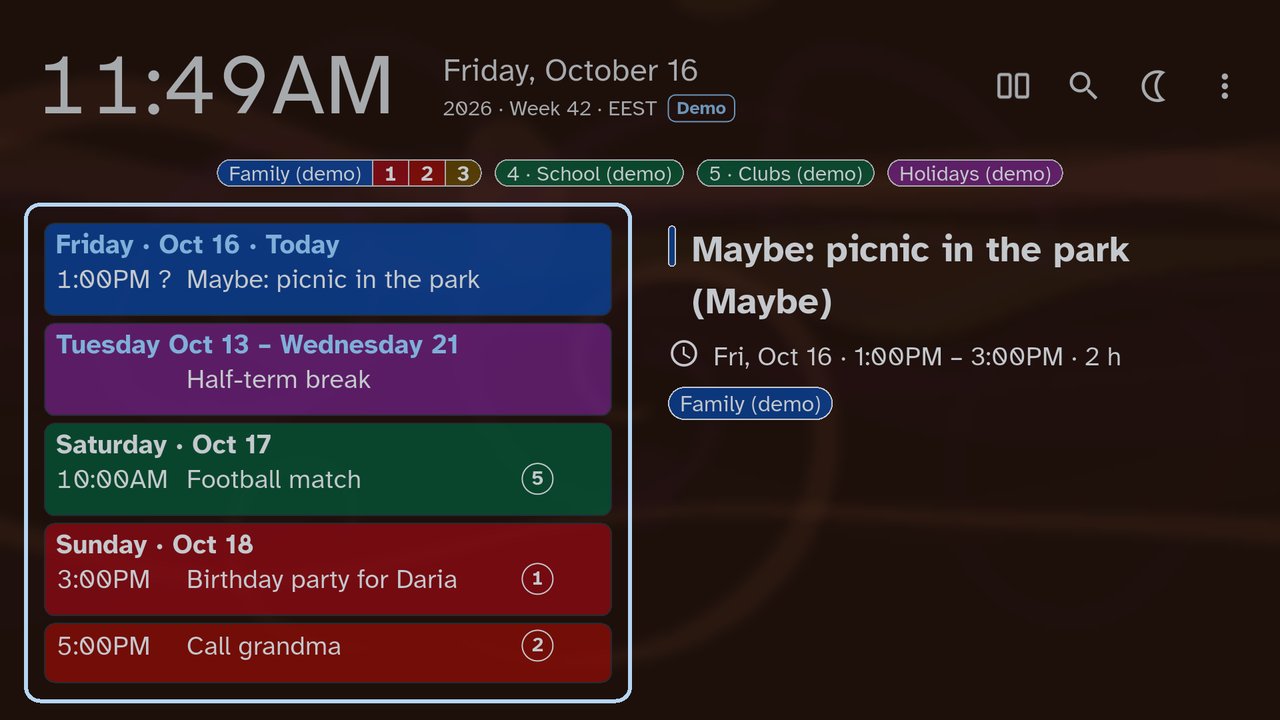
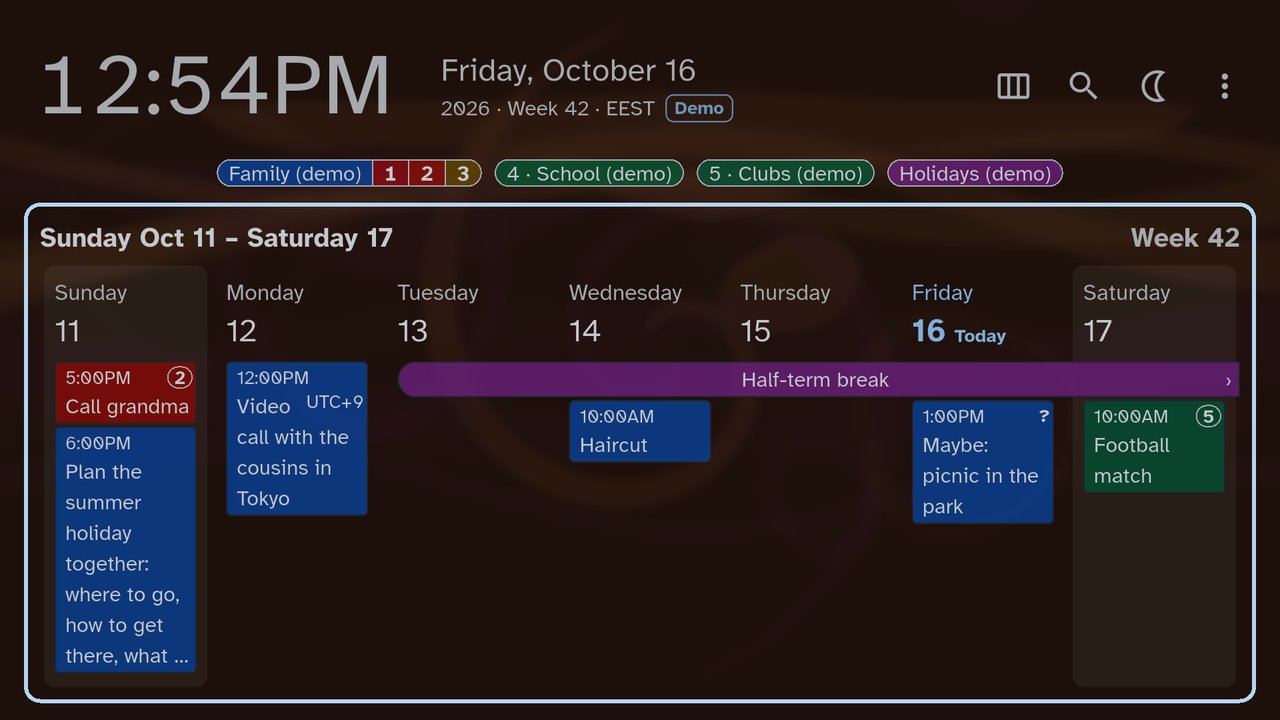
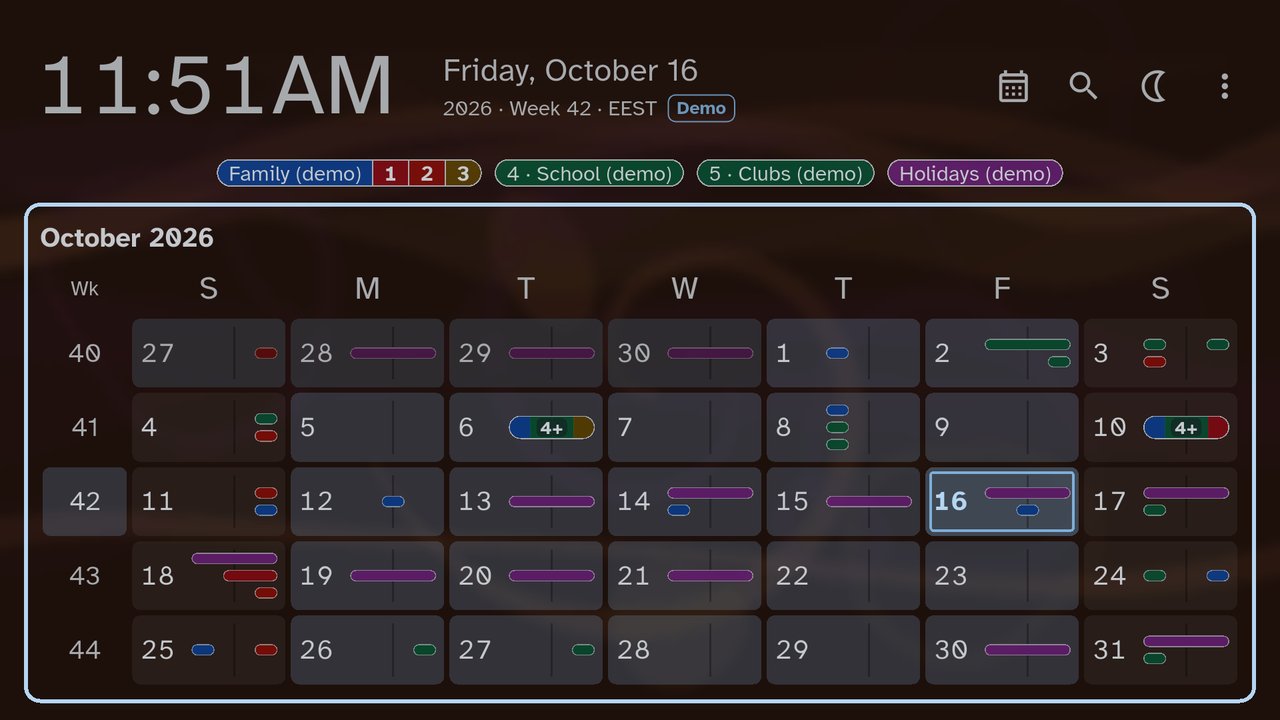
A calm calendar and clock for your living-room TV, your tablet or your phone. Day OK shows the next three days, the week, the month and the year from the calendars already on your device, in large type you can read from the sofa.
It is a smarter, nicer way to see your Google Calendar. It works with the calendars you already have and never changes your events: you keep editing them as you always do, on your phone or computer, and the changes appear here after the next sync. If you'd like to edit them on the TV too, send us a request from Settings › About › Contact and feedback.
There is no weather, no news, no photos and no ads. You do not create an account or type a password: your calendars sync through the device, as they already do.
Pay once. No subscription, no in-app purchases, nothing to unlock.
Setup in easy steps
Setup takes a moment, and every step has a ? that explains it in plain words.
- Install Day OK from Google Play on your TV, tablet or phone.
- Allow calendar access: Day OK reads the calendars this device already syncs, and sends nothing anywhere.
- Choose which calendars to show.
- Say where the screen is, then pick a theme, a moving background and a font, or keep the suggestions.
No calendars on the TV yet? Add your Google account in the TV's Settings › Accounts & sign-in; your calendars appear within a few minutes. A calendar marked Not synced has a Turn on sync button next to it.
The built-in help answers the rest, in plain words, on the TV itself.
Screenshots
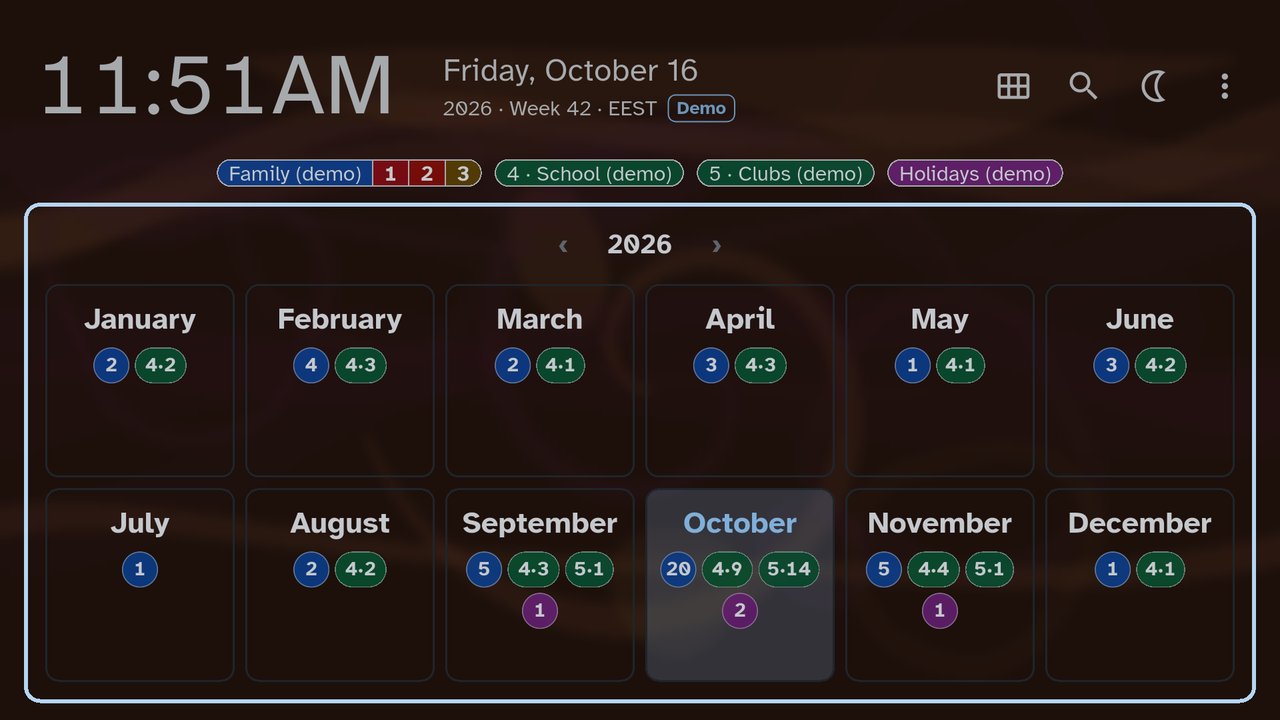
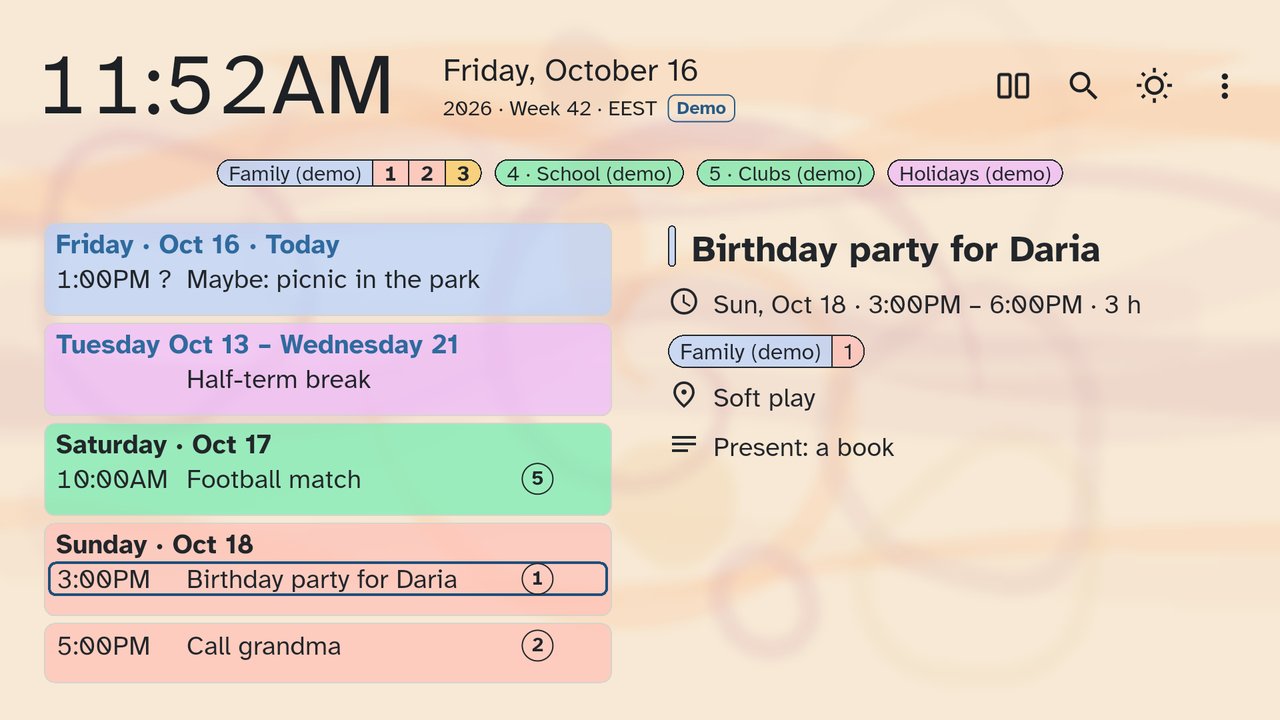
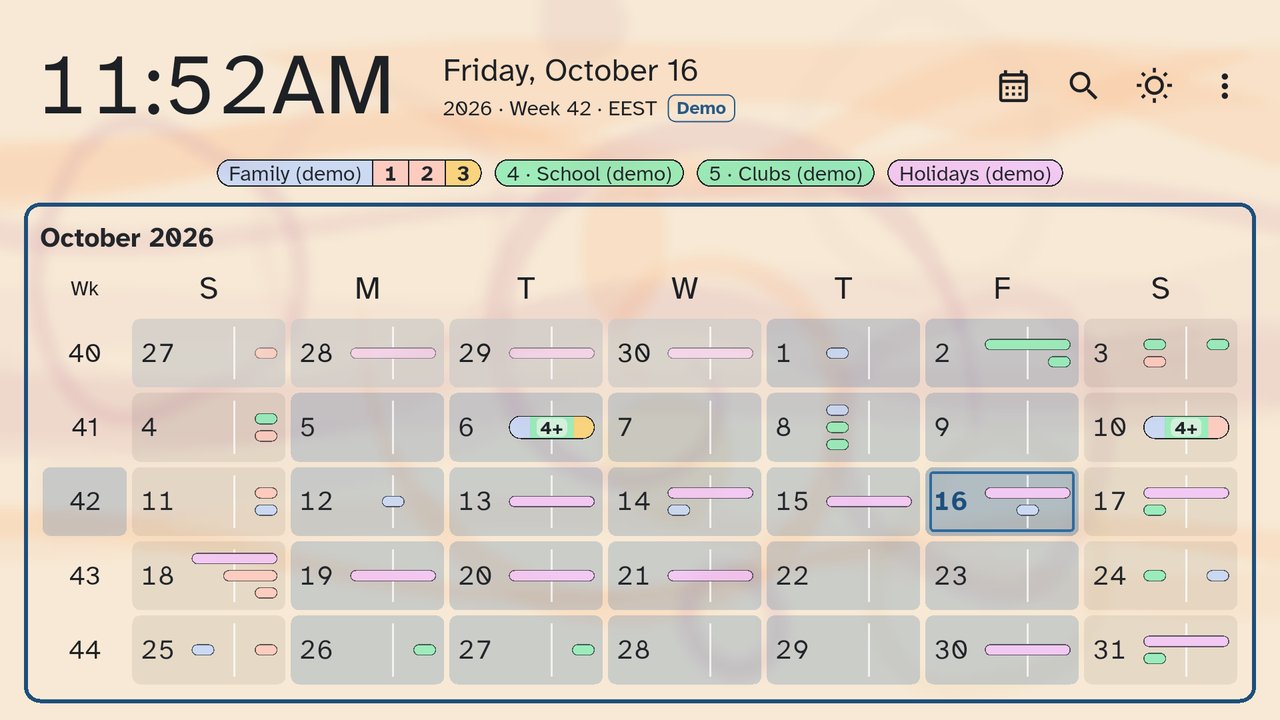
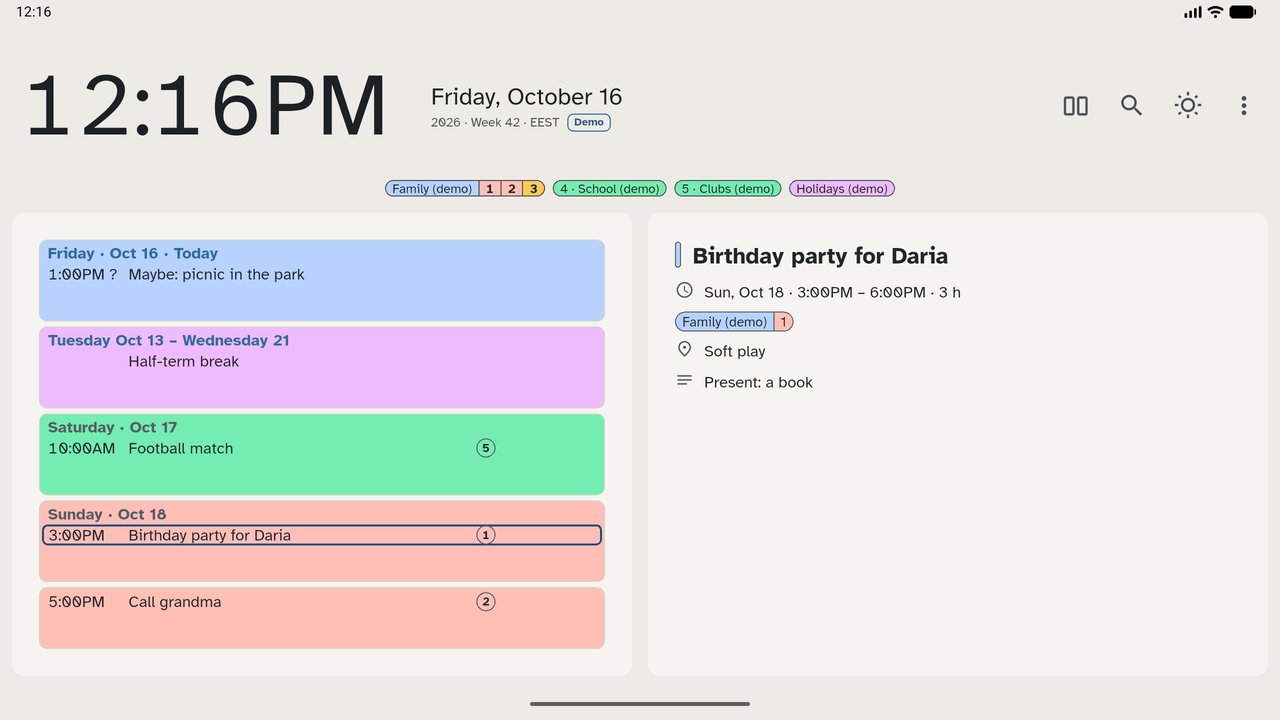
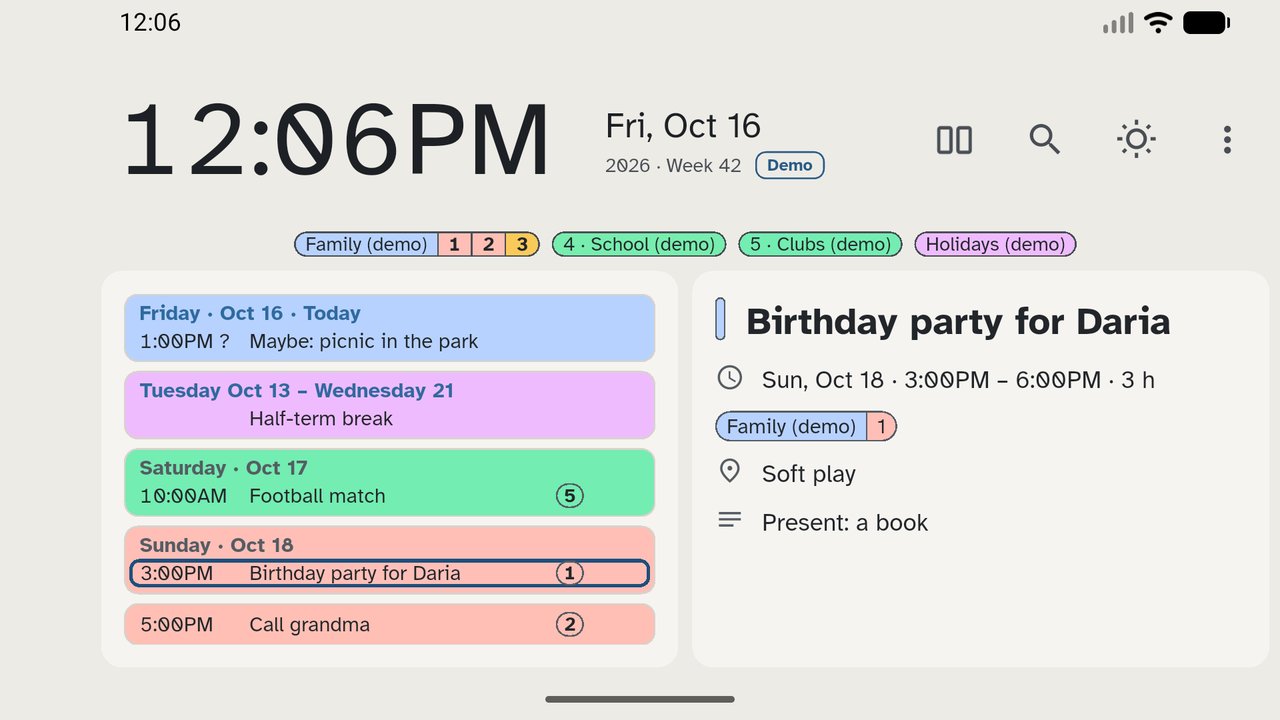
Made with the Demo calendar: no real events. Tap a picture to enlarge it.
Where it runs
- Google TV and Android TV, with the remote
- Android tablets, by touch, in either orientation
- Android phones, by touch, in landscape
One purchase for all your devices on the same Google Play account. Your family can share it through Google Play Family Library, where it is available.
Day OK needs Android 7 or newer with Google Play. It is not available for Samsung (Tizen), LG (webOS) or Fire TV, or for iPhone and iPad.
Features
- 3-day, week, month and year views; works with the remote, or by tap and swipe
- A big clock and date, in your language and your 12- or 24-hour format
- Colours per calendar; choose which calendars to show
- Event details: time, place, repetition, people, description
- Search your events
- Night clock for the bedroom or the hallway
- Keep the screen on: off, always, or only at the times you choose
- Screen protection: the picture shifts slightly and the clock changes sides, to reduce and spread screen wear
- A Demo calendar of made-up events to try every view, in the app's language; nothing is written to your calendars
- A calm moving background that follows the seasons, or none
- Light and dark themes; a choice of easy-to-read fonts
- English and Romanian
Private by design
- The app has no internet permission: it cannot send anything anywhere.
- Your events are read on the device and stay there.
- No ads, no tracking, no analytics, no account.
To show your calendar at once when it starts, Day OK keeps an encrypted copy of the last events it showed on the device. It is never backed up, and it is deleted when you take back the calendar permission.
FAQ
Which calendars does it show?
The calendars this device already syncs: on a TV, usually your Google Calendar; on a phone or tablet, also accounts such as Microsoft Exchange that sync to the device. You choose which ones appear.
Will it work on my TV?
On Google TV and Android TV with Google Play, Android 7 or newer. Because you install it from Google Play, your Google account is already on the TV; if its calendars are missing, the app shows how to turn their sync on. It is not available for Samsung, LG or Fire TV.
Do I pay again for my phone or tablet?
No. One purchase covers all your devices on the same Google Play account. On a phone, Day OK shows in landscape.
Can my family use it without buying it again?
Yes, through Google Play Family Library, where it is available: up to five family members can share it.
Does it change my calendar?
No. It never adds, changes or deletes events. You edit them as usual, on your phone or computer, and the changes appear after the next sync. The only change it can make is the one you ask for: Turn on sync, for a calendar marked Not synced.
Can I edit events on the TV?
Not yet. If you would like to, send us a request from Settings › About › Contact and feedback.
Does it collect my events?
No. It has no internet permission. Your events are read on the device and stay there.
Will it keep my TV on?
Only while Day OK is on the screen, and within your TV's own power and screensaver settings; the built-in help shows what to change. It cannot switch on a TV that is in standby.
How do refunds work?
Purchases and refunds are handled by Google Play, under its own rules.
Contact

Questions, a problem or a suggestion? Write to us at hello@jini.solutions.